
Your Content Goes Here
Kodi Build Installation Steps
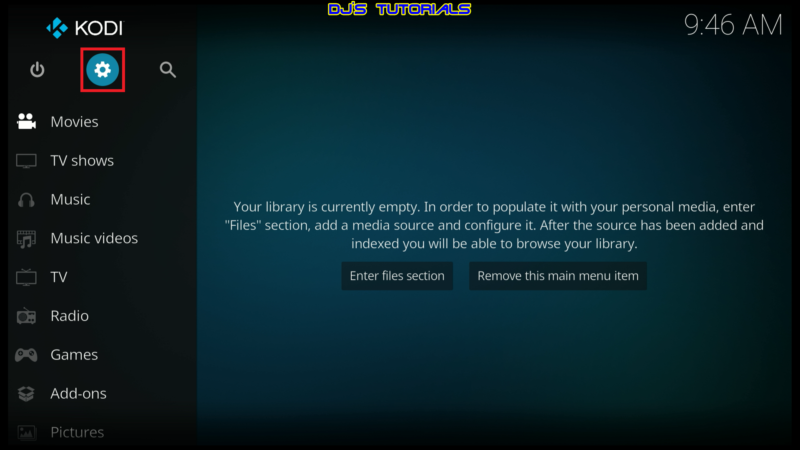
- Click on the settings icon


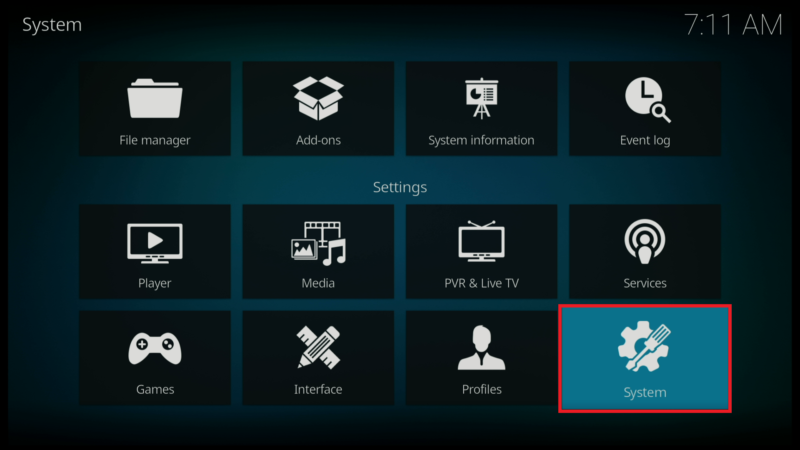
- Click on System.
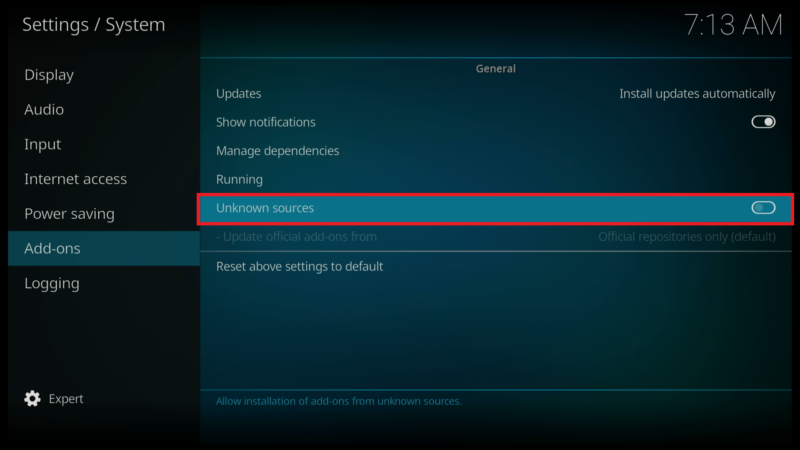
- Scroll down to the Add-ons menu and turn on Unknown sources if not already on.
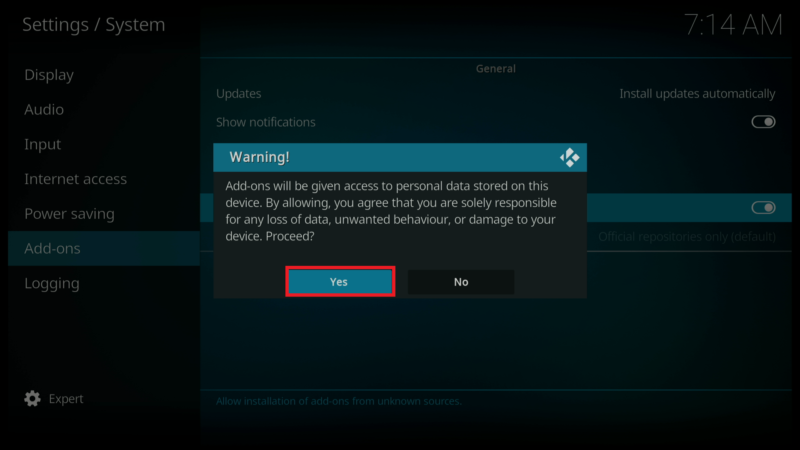
- Click on Yes after you read the Warning message.
- Click back on your remote to go back to the System page.
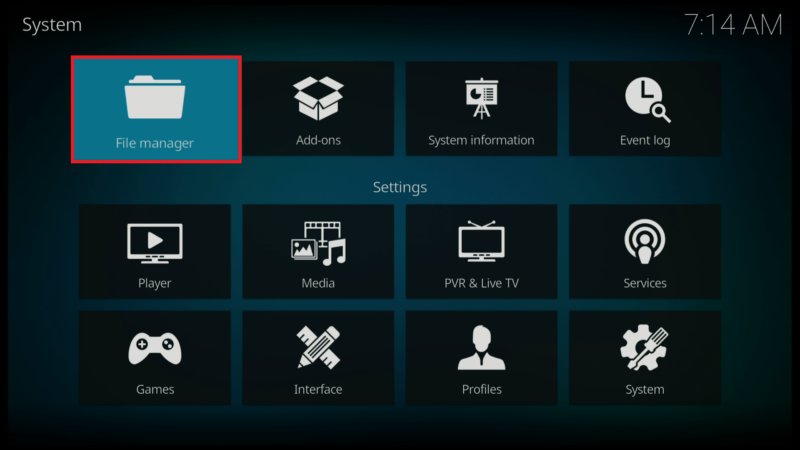
- Select File Manager.
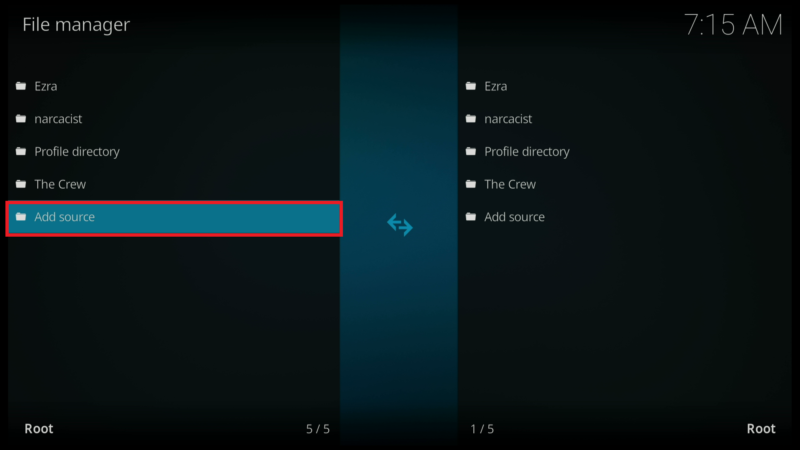
- Click on Add source.
- Click on <None>.
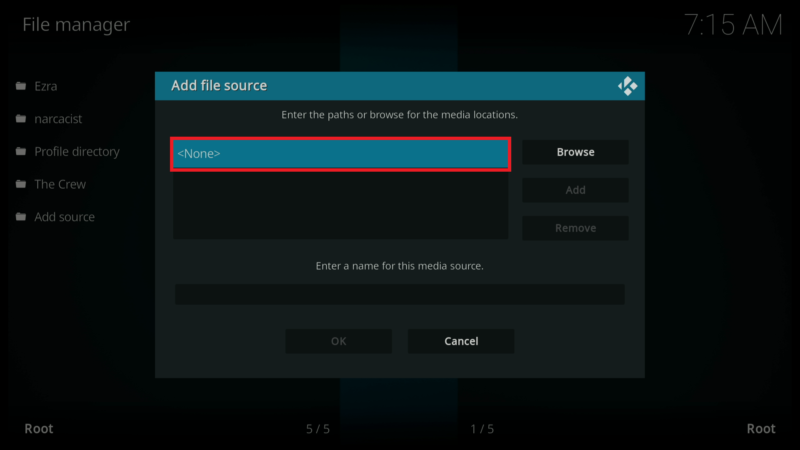
- Enter the following URL exactly how it is shown here –