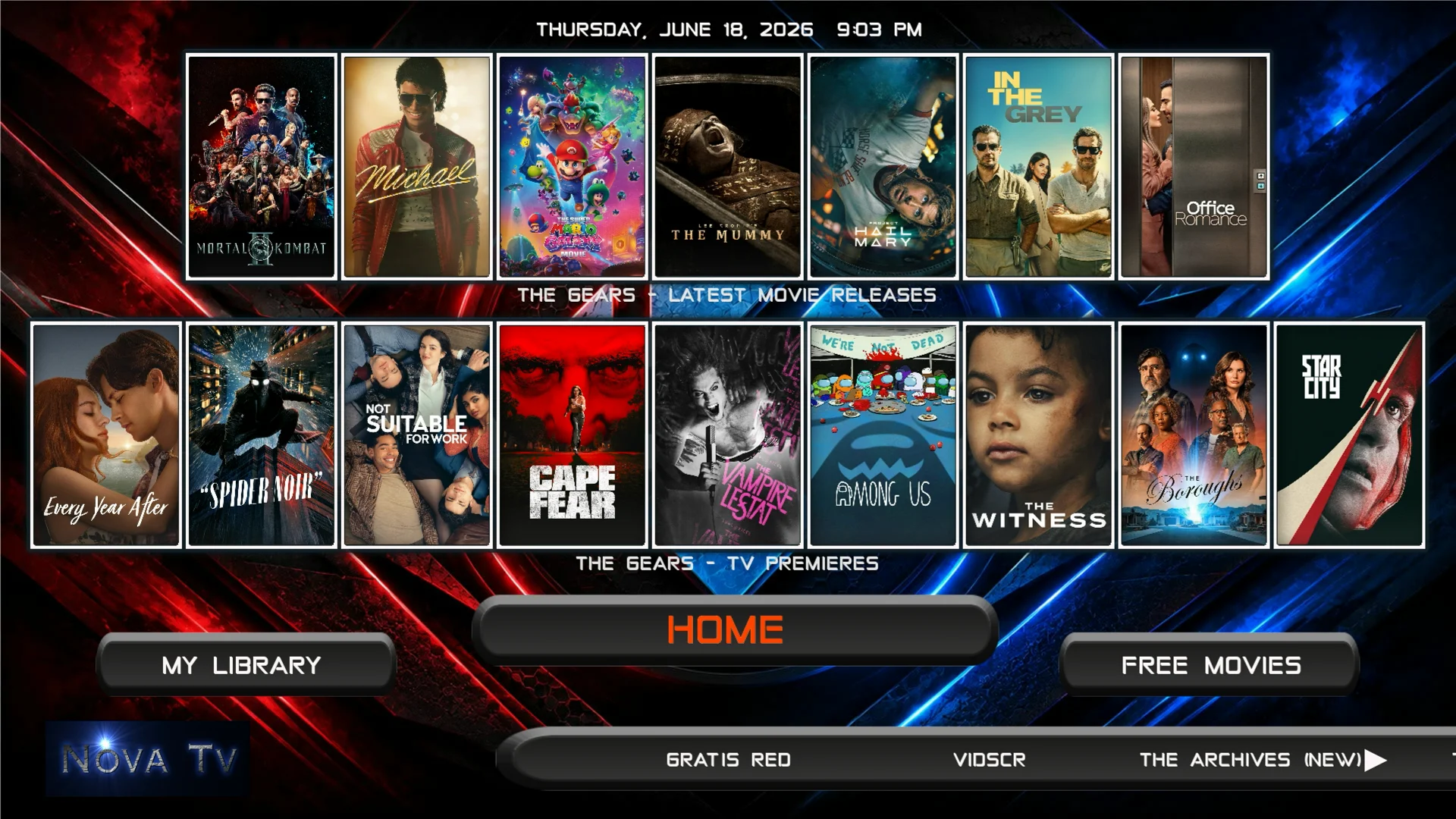
The Gears add-on which is a fork of Fen Lite AM, is a new add-on that only works with a premium services like Real-Debrid/Premiumize/TorBox and also requires an external provider source.
In this tutorial we are using an ONN 4K Pro but the same steps will work on any Android/Google TV device, Fire TV device that runs Fire OS, Windows PC, or Linux.
How To Install The Gears Addon
- Click on the settings icon


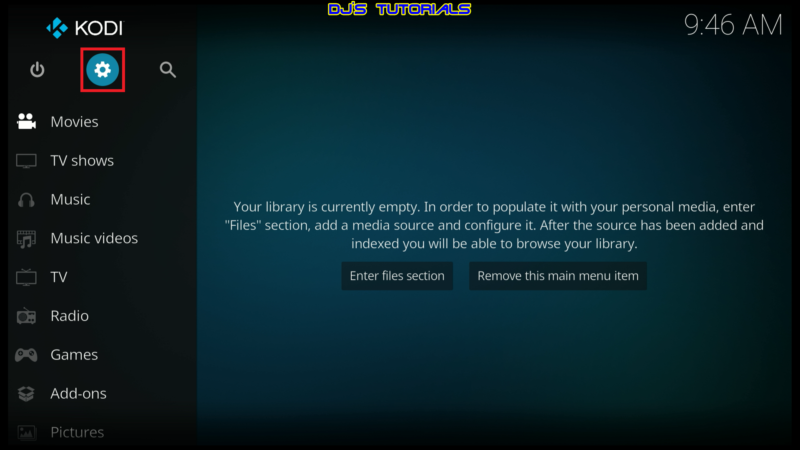
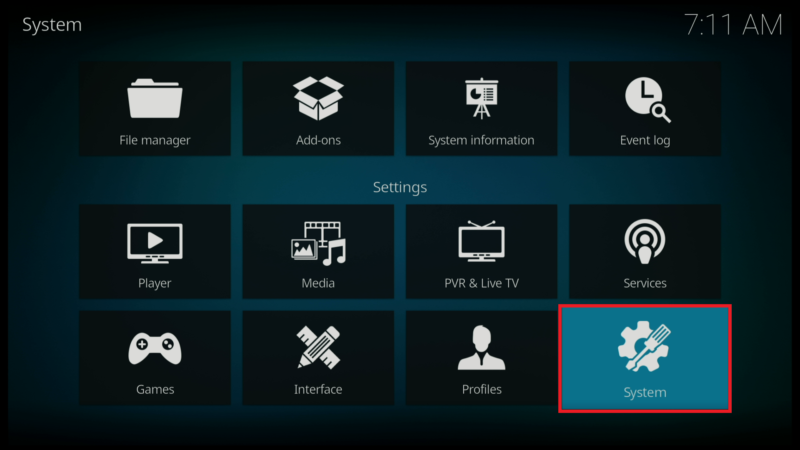
- Click on System.
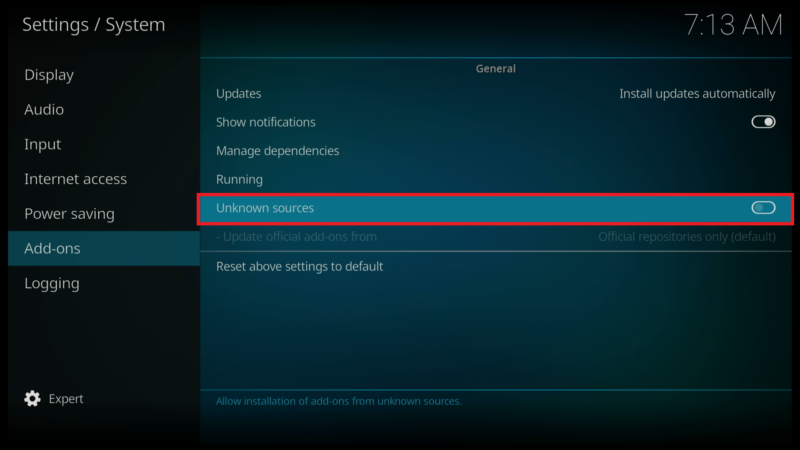
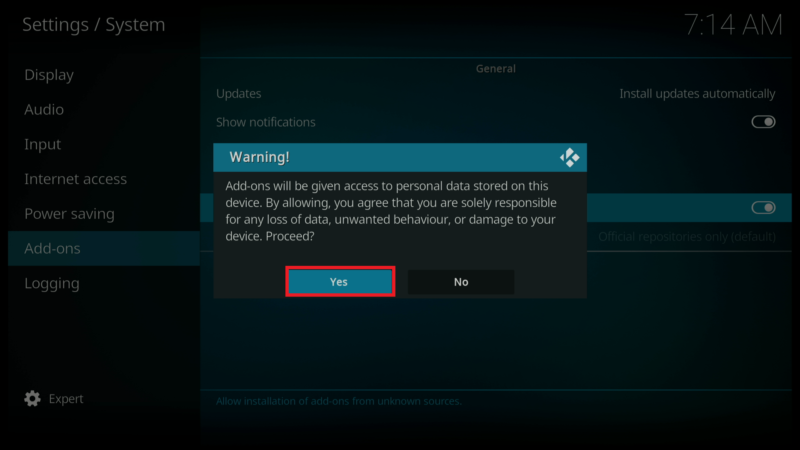
- Scroll down to the Add-ons menu and turn on Unknown sources if not already on.
- Click on Yes after you read the Warning message.
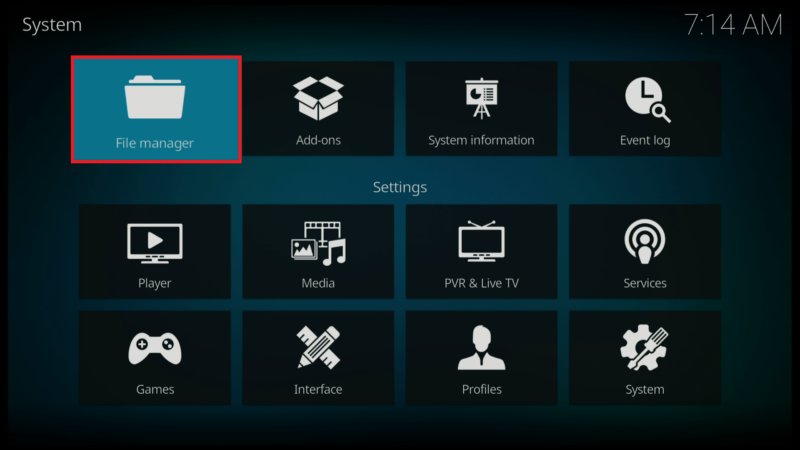
- Click back on your remote to go back to the System page.
- Select File Manager.
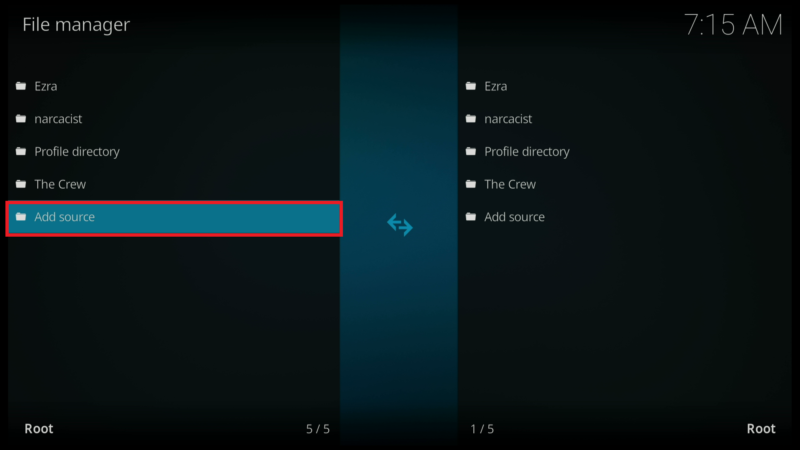
- Click on Add source.
- Click on .
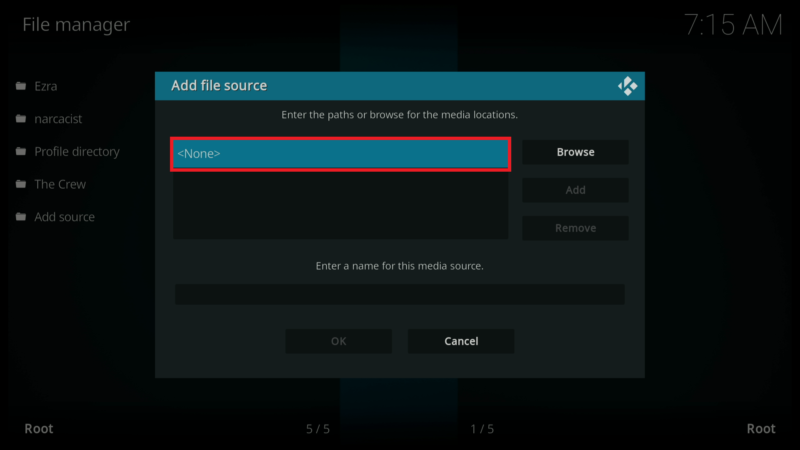
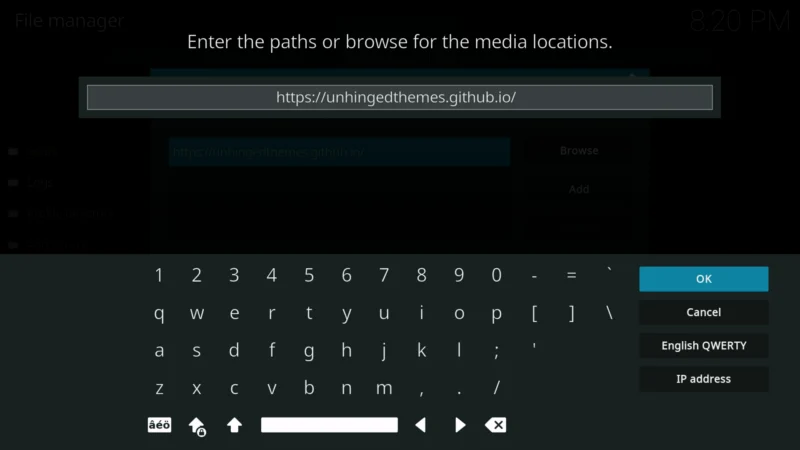
- Enter the following URL exactly how it is shown here – https://unhingedthemes.github.io/ and then click OK.
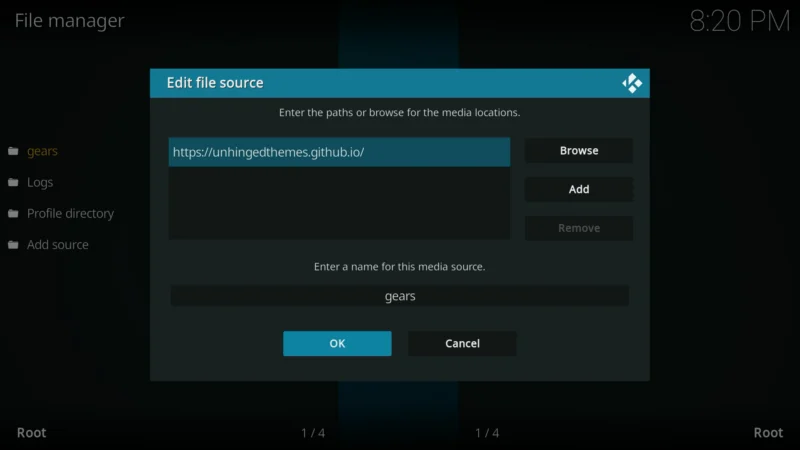
- In the box under the source that you just entered “gears” is already entered. Click on OK.
- Click the back button on your remote until you are back on the System screen. Then click on Add-ons.

- Click on Install from zip file.

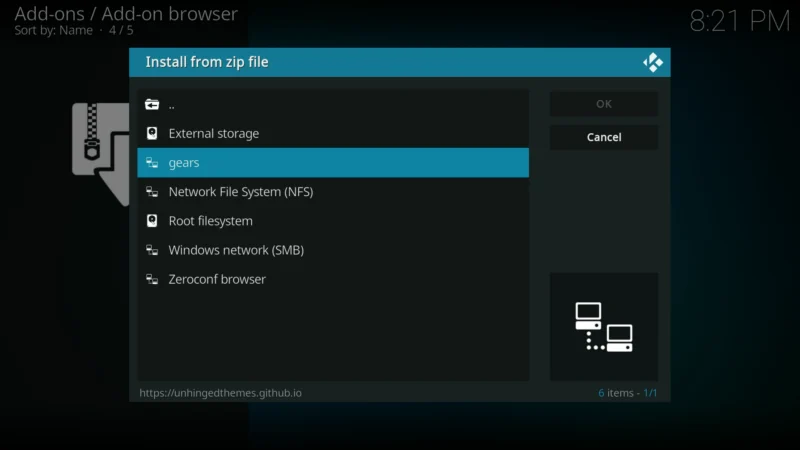
- Select “gears” or whatever you named the media source in the previous step.
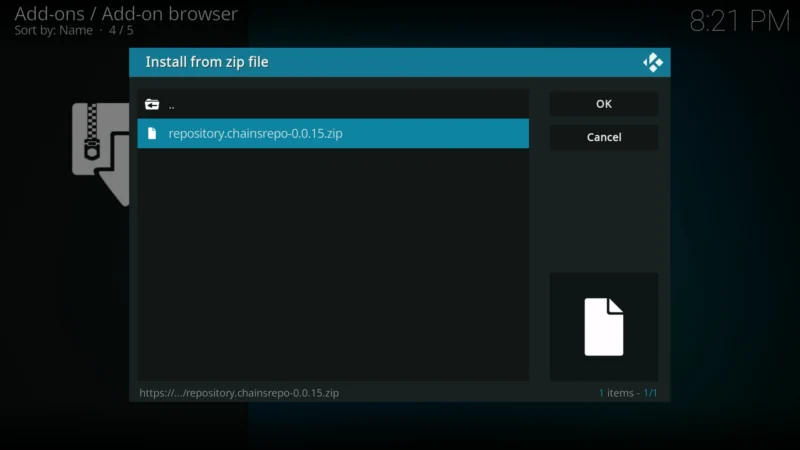
- Click on the zip file URL – repository.chainsrepo-x.x.x.zip
- Wait for the “The Chains Repository Add-on installed” message to appear.
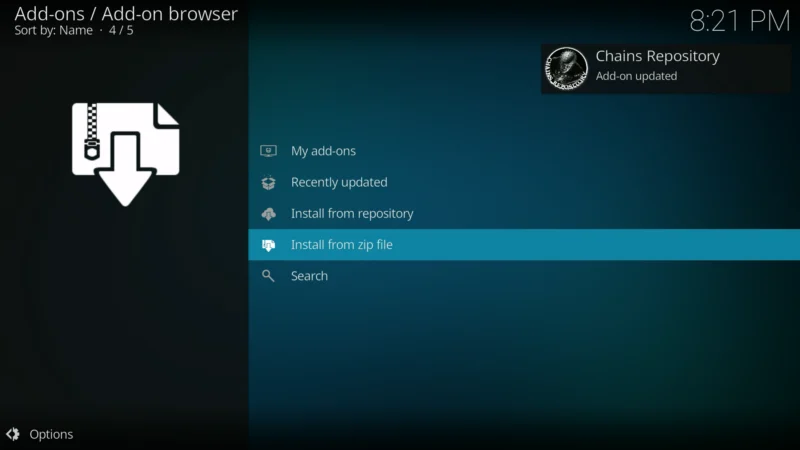
- Click on Install from repository.

- Click on Chains Repository.
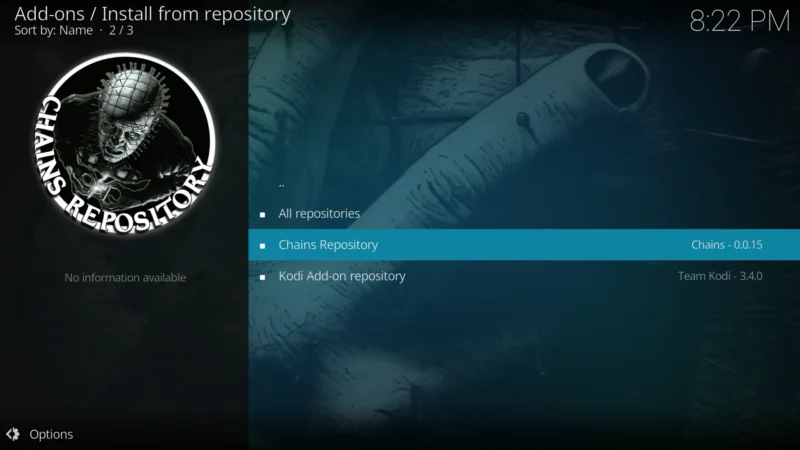
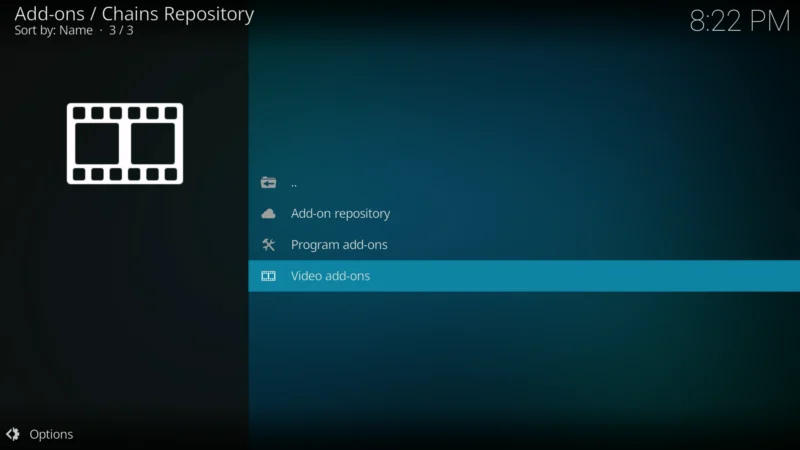
- Click on Video add-ons.
- Select The Gears
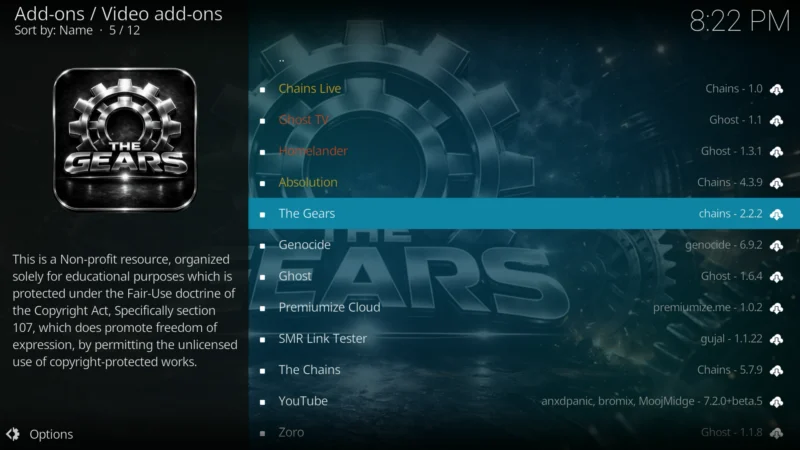
- Click on Install
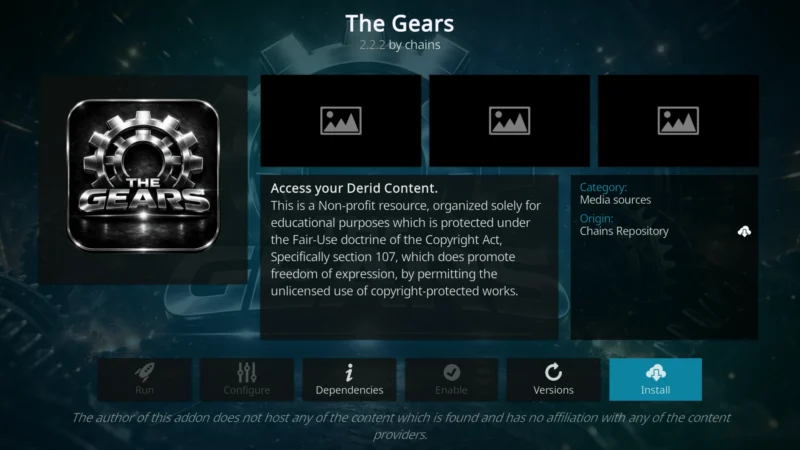
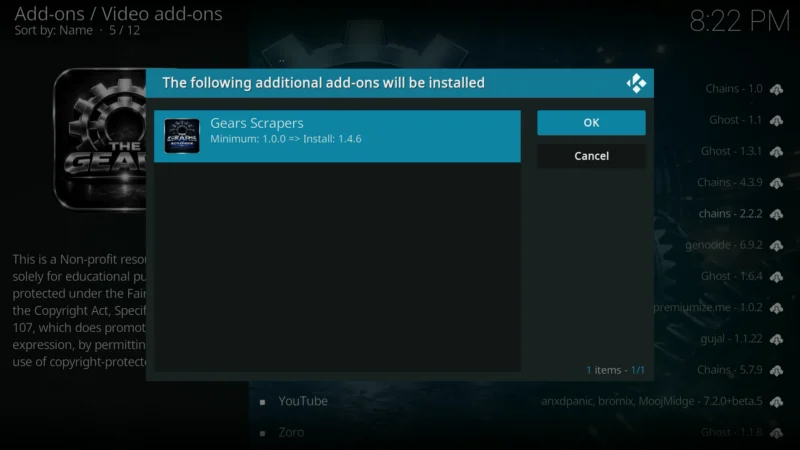
- Click on OK to install the Gears Scrapers
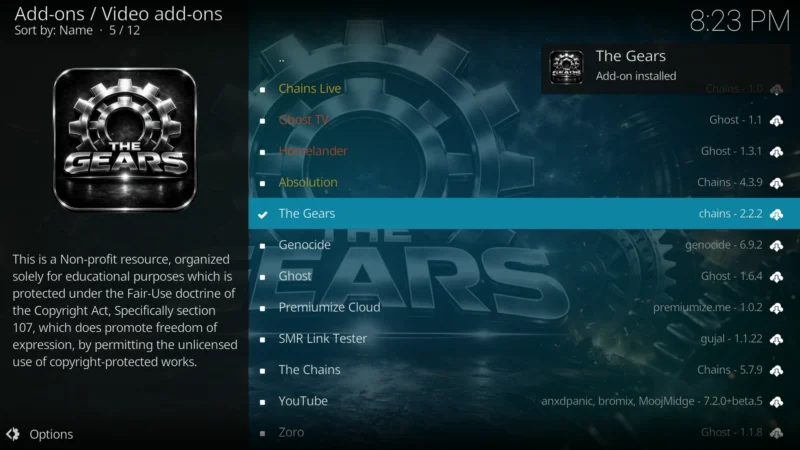
- Wait for the add-on to install
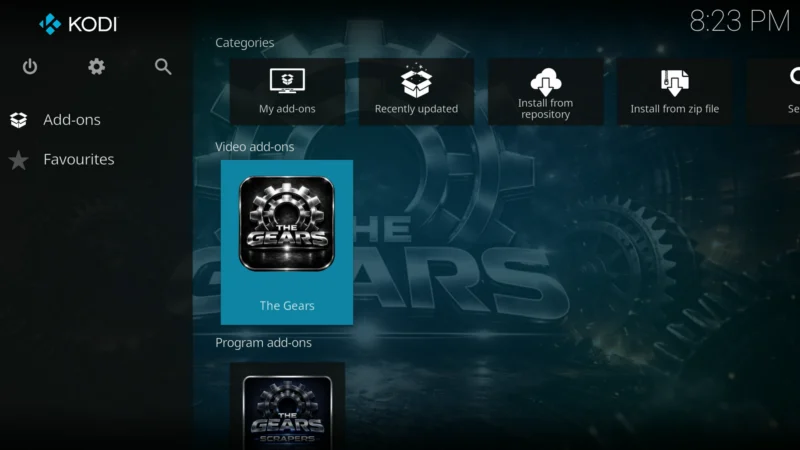
- Press the back button on your remote until you are back to the Kodi Home screen. Go to Add-ons and click on The Gears
- Now we need to enable External Provider in order for The Gears add-on can find streaming links.
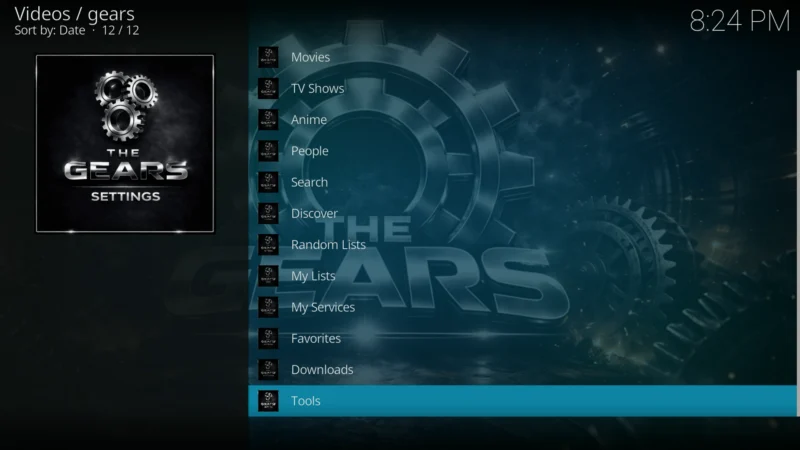
- In the Gears main menu, Click on Tools
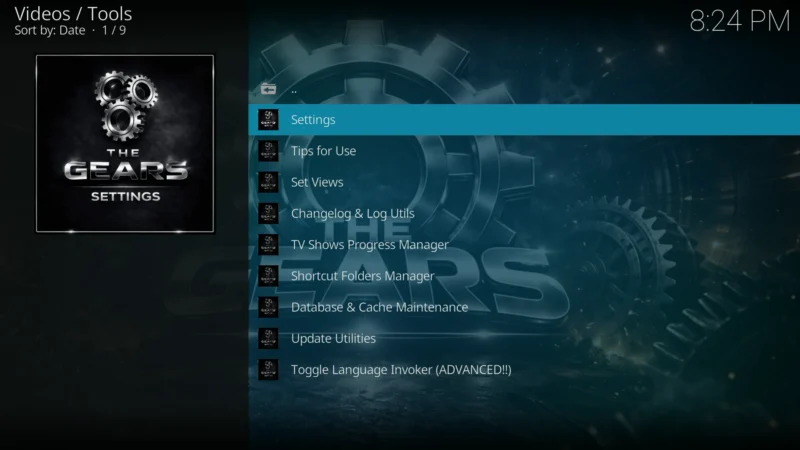
- Click on Settings
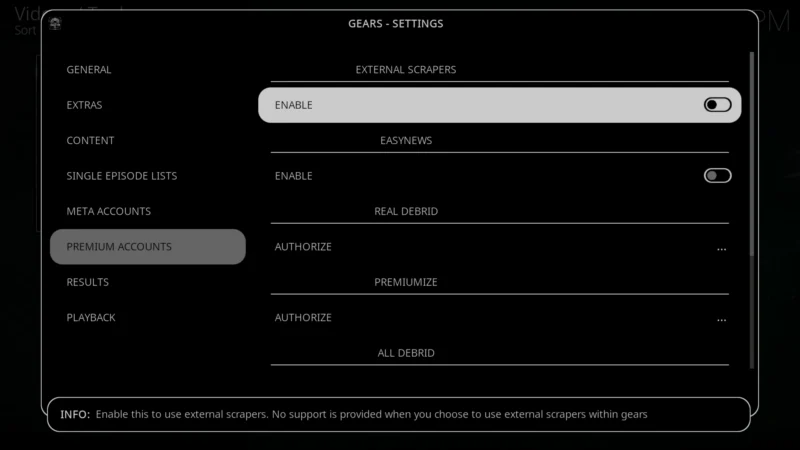
- Scroll down to Premium Accounts and go to the right and click on Enable under External Scrapers
- Click on Choose External Scraper Module
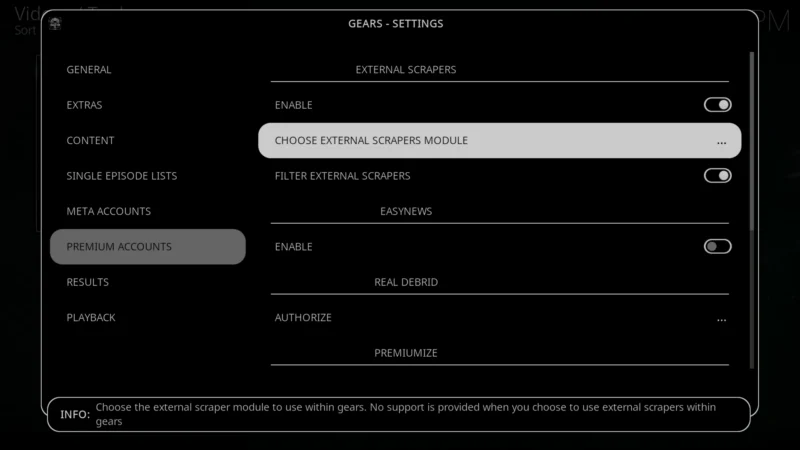
- Click on Gears Scrapers
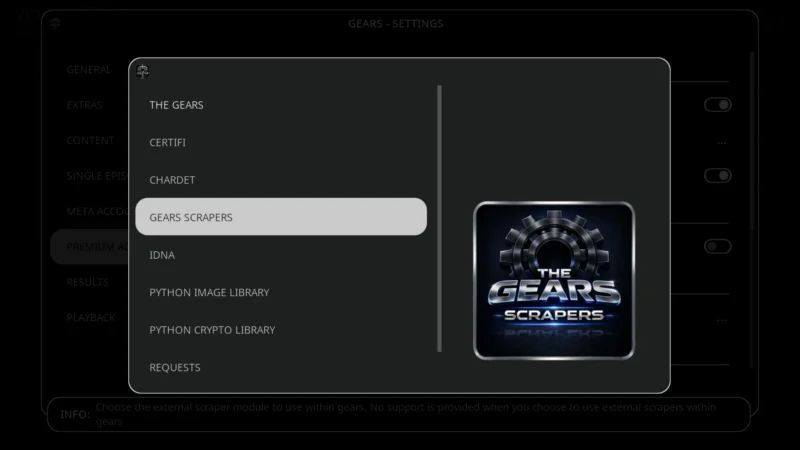
- Click OK
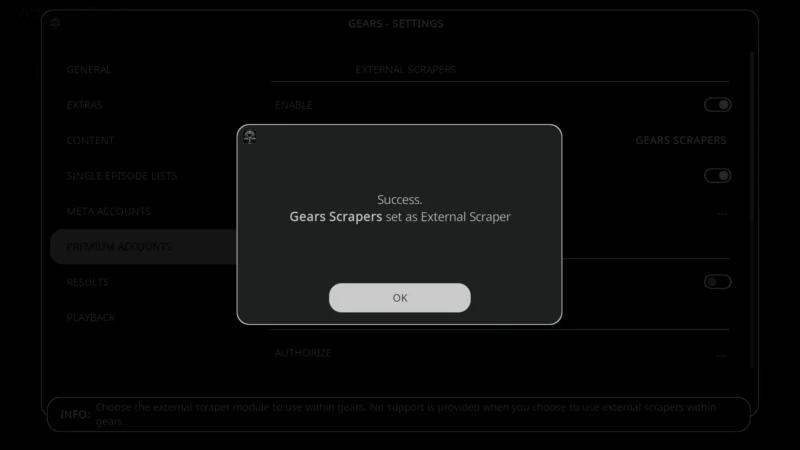
The Gears add-on requires a premium hosting service like Torbox, Real-Debrid, or Premiumize in order to get streaming links.
How to pair a Debrid Service
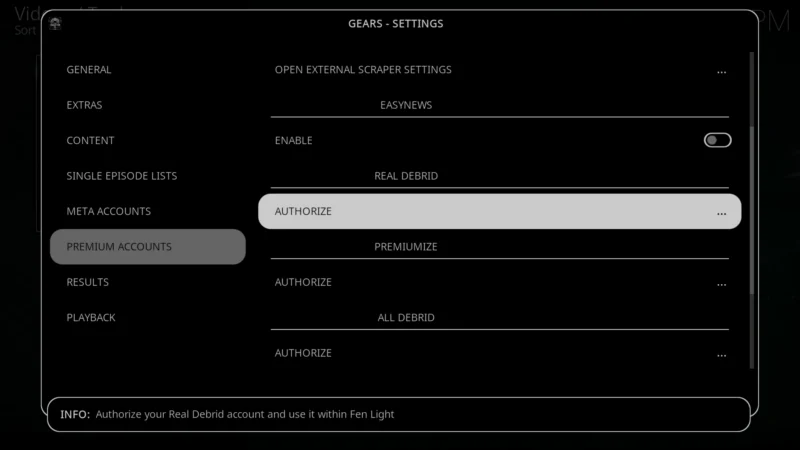
While still in the Settings > Premium Accounts, click on Authorize under Real Debrid.
- A message with an authorization code, and the URL or QR code to use so you can enter the provided code.
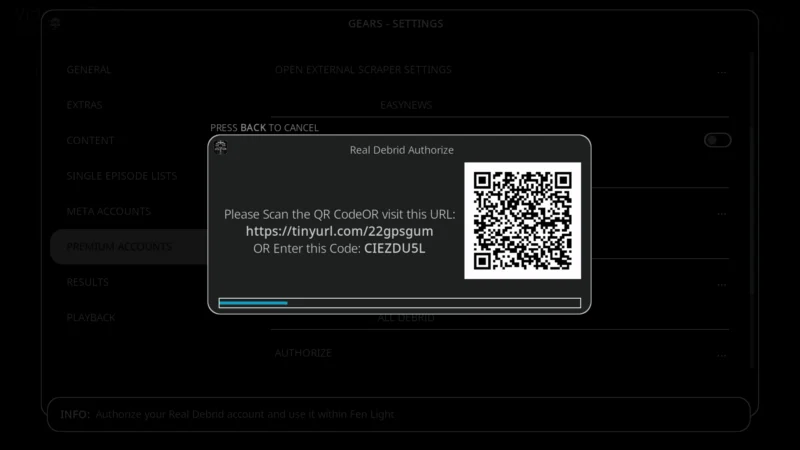
- Go to real-debrid.com/device on a PC or cell phone and enter the code provided in the previous step.
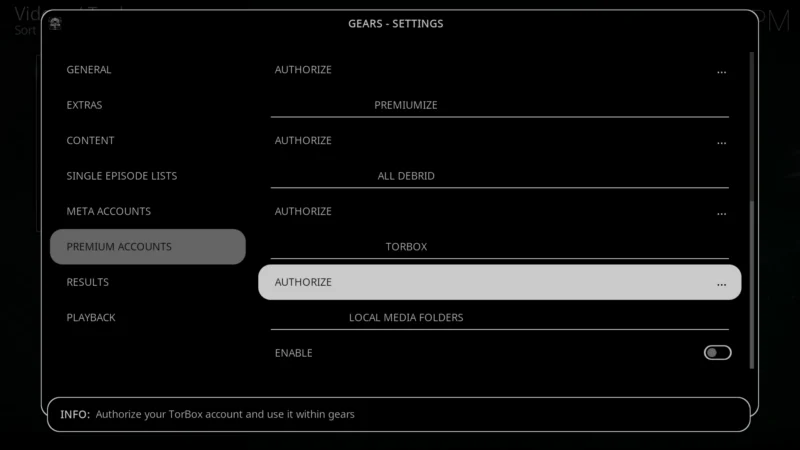
- If you have a Torbox account, click on Authorize
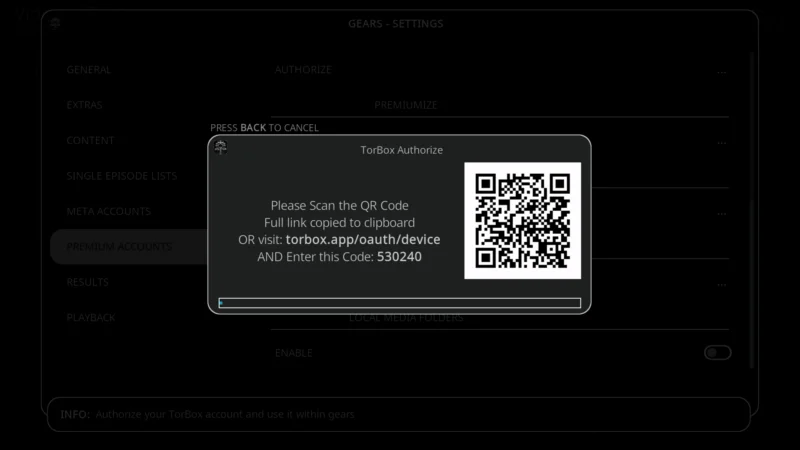
- A message with an authorization code, and the URL or QR code to use so you can enter the provided code.
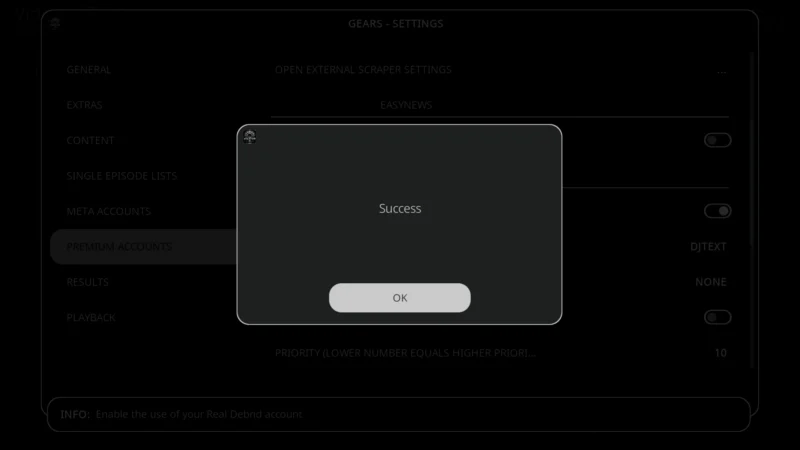
- You will then see a Success message
You have now successfully installed The Gears add-on.