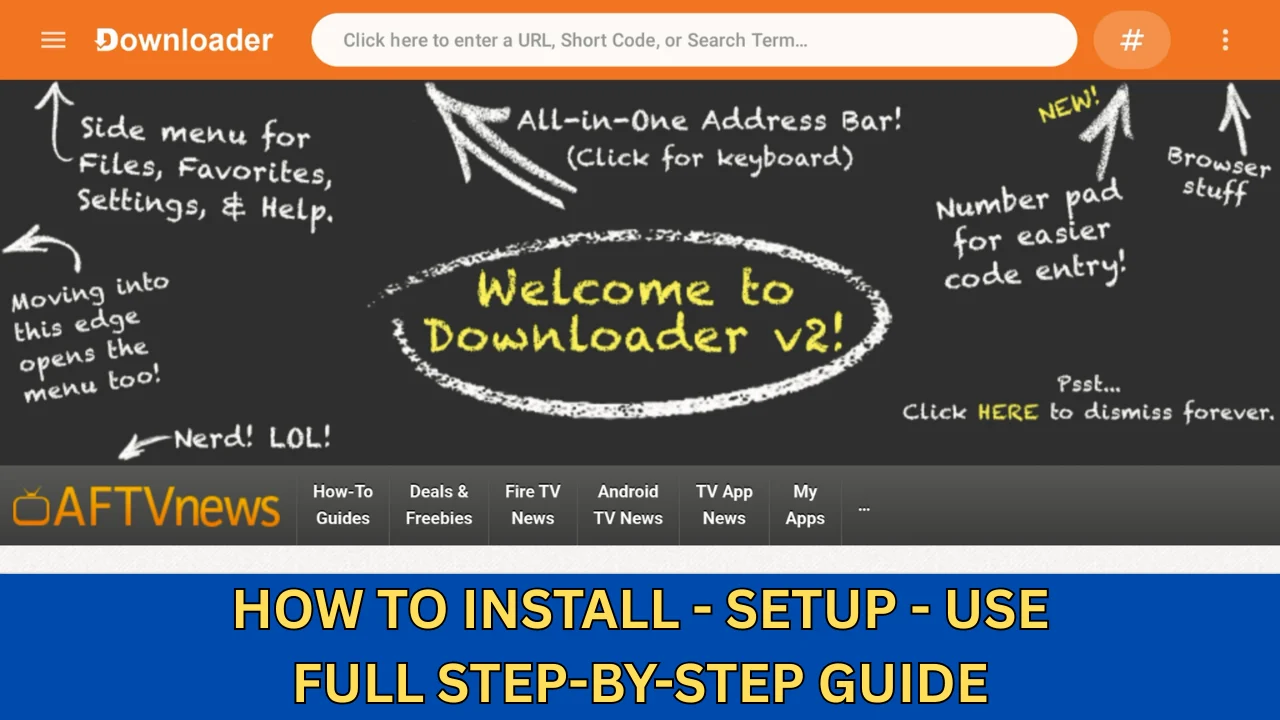

In this video tutorial below I will show you how to connect your Fire Stick to your iPad so you can use all of your favorite apps that you have on your Fire Stick that you cannot get from the Apple app store.
This comes in handy if you are away from home and do not have a TV there and all you have is your iPad with you and there is an app you want to use on your Fire Stick that you can not find in the Apple app store.
Items that I used in this video:
HDMI to USB Capture Card with USB 3.0 & 100W PD – https://amzn.to/4xYB1S2
HDMI to USB Video Capture Card – https://amzn.to/3Kp1MdM
USB C Hub – https://amzn.to/4mmLejY
USB C to USB A Adapter – https://amzn.to/41Y2apJ
Fire TV Stick 4K Max – https://amzn.to/41Y2sgj
Apple iPad 10 Generation – https://amzn.to/46g4Oby
View my complete list of items at my
Amazon Affiliate Store https://www.amazon.com/shop/djstutorials
I am a participant in the Amazon Services LLC Associates Program, an affiliate advertising program designed to provide a means for me to earn fees by linking to Amazon.com and affiliated sites.
By using my link, it does not cost you anything. It just allows me to make a small commission to help cover the cost for my channel. Any help is greatly appreciated.