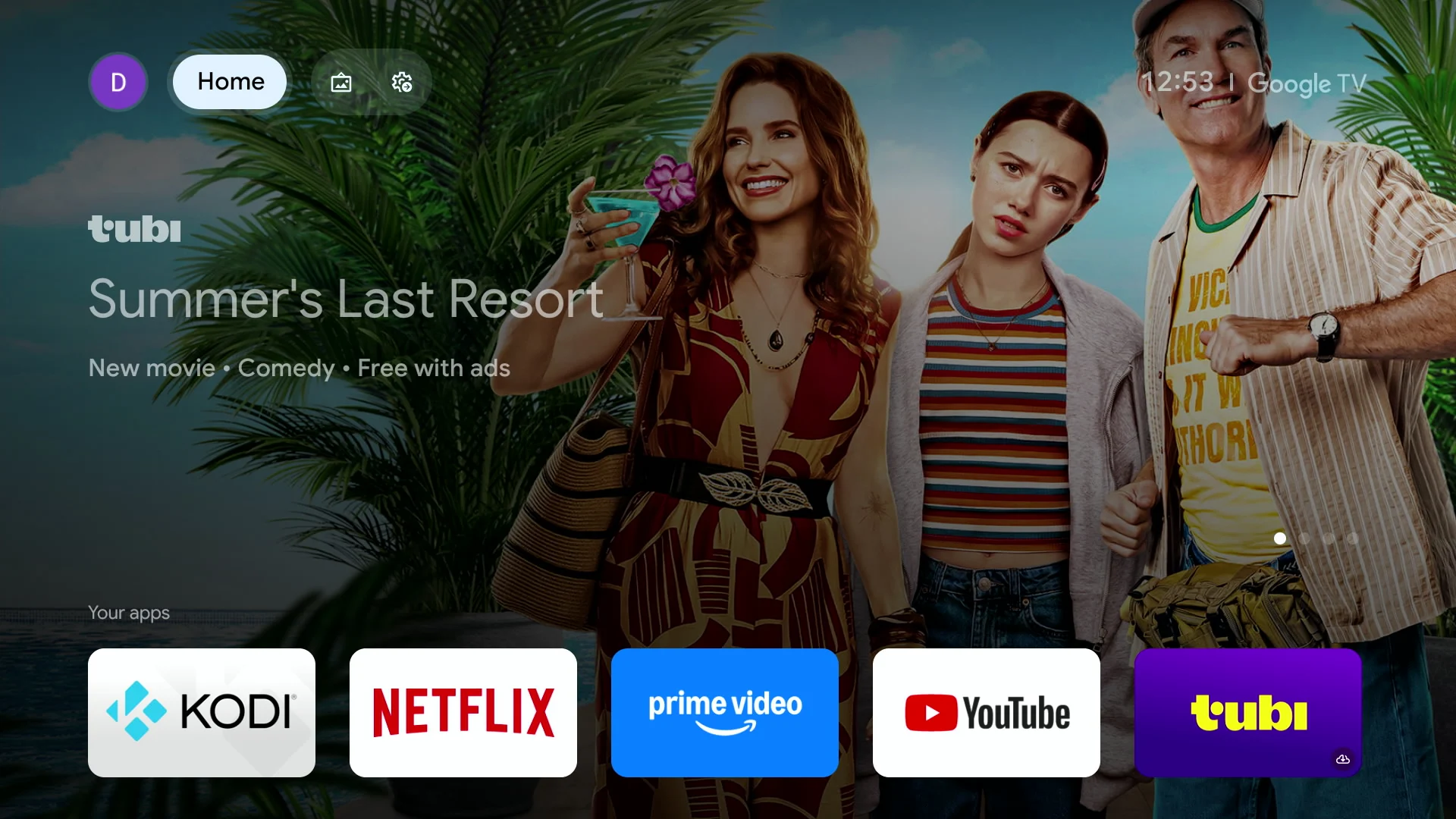
In this video tutorial I will show you how to change the preset app buttons on your ONN 4K remote with the Button Mapper application.
The ONN remote comes with four built-in preset buttons that will launch apps such as YouTube, Netflix, Disney+, and Paramount+. These “shortcut” buttons are great if you use all four of those services but if you don’t then they are just useless. Another reason to change the way those buttons function is if you accidently hit one of them when you try to pick-up the remote and the app launces in the middle of a movie.
Using the Button Mapper app, you can change the default apps to your favorite apps that you use all the time and also eliminate accidental button touches each time you grab the remote.
This will also work for other Google TV remotes like the Nvidia Shield or Google Streamer that have the preset app buttons.