Troubleshoot Fire TV Remote

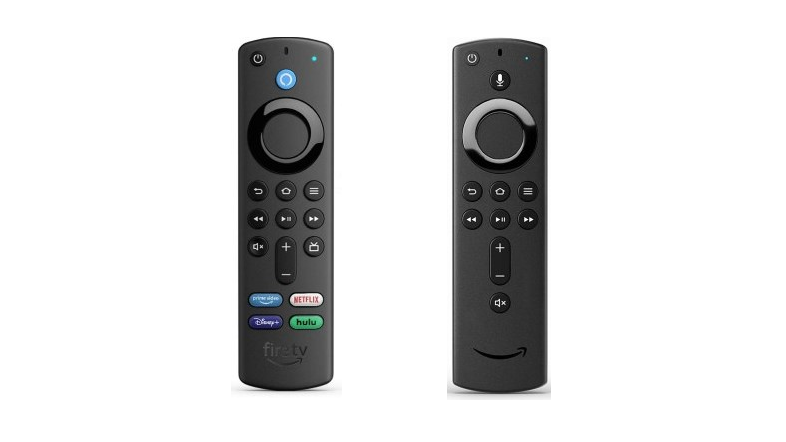
If your Fire TV remote isn’t working with your Fire TV device, follow these troubleshooting steps: 1. Check Remote Compatibility:Press the Alexa voice button on your remote.If the LED at the top of the remote flashes, it means troubleshooting mode is available and your remote is compatible. [...]

By |2025-03-05T09:56:24-05:00June 9th, 2023|Fire TV Stick, Tutorials|Comments Off on Troubleshoot Fire TV Remote

Pair a Fire TV Remote with Your Echo Show 15

To pair a remote with your Echo Show 15, follow these steps: For the initial remote pairing: Say "Open Settings" to your Echo Show 15. Select "Get Started With Fire TV Remote" and follow the on-screen instructions to order or pair a Fire TV remote. If you have previously paired a remote [...]

By |2025-03-05T09:56:30-05:00June 9th, 2023|Fire TV Stick, Tutorials|Comments Off on Pair a Fire TV Remote with Your Echo Show 15

How to Power On Directly to the HDMI Port of Your Insignia Fire Edition TV

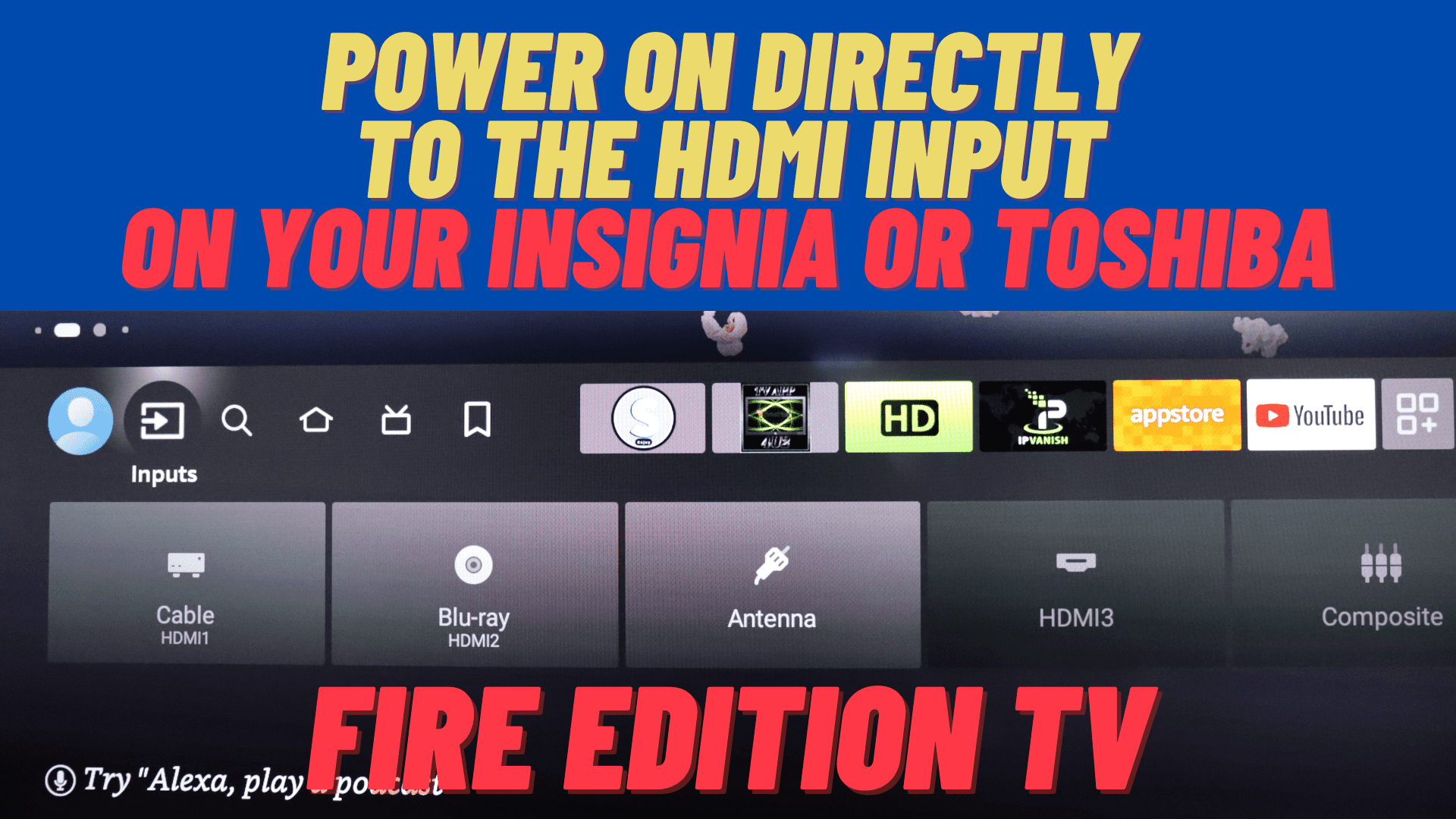
Do you mostly use your Insignia or Toshiba Fire Edition TV to watch Cable TV or DirecTV and wish that you could have it power on directly to the HDMI input that your set-top box is connected to instead of the Fire TV home page? In this video, I will show you how to [...]

By |2023-06-22T08:46:14-04:00August 15th, 2022|Fire TV Stick, Tutorials|0 Comments

Power your Fire TV Stick from TV’s USB port

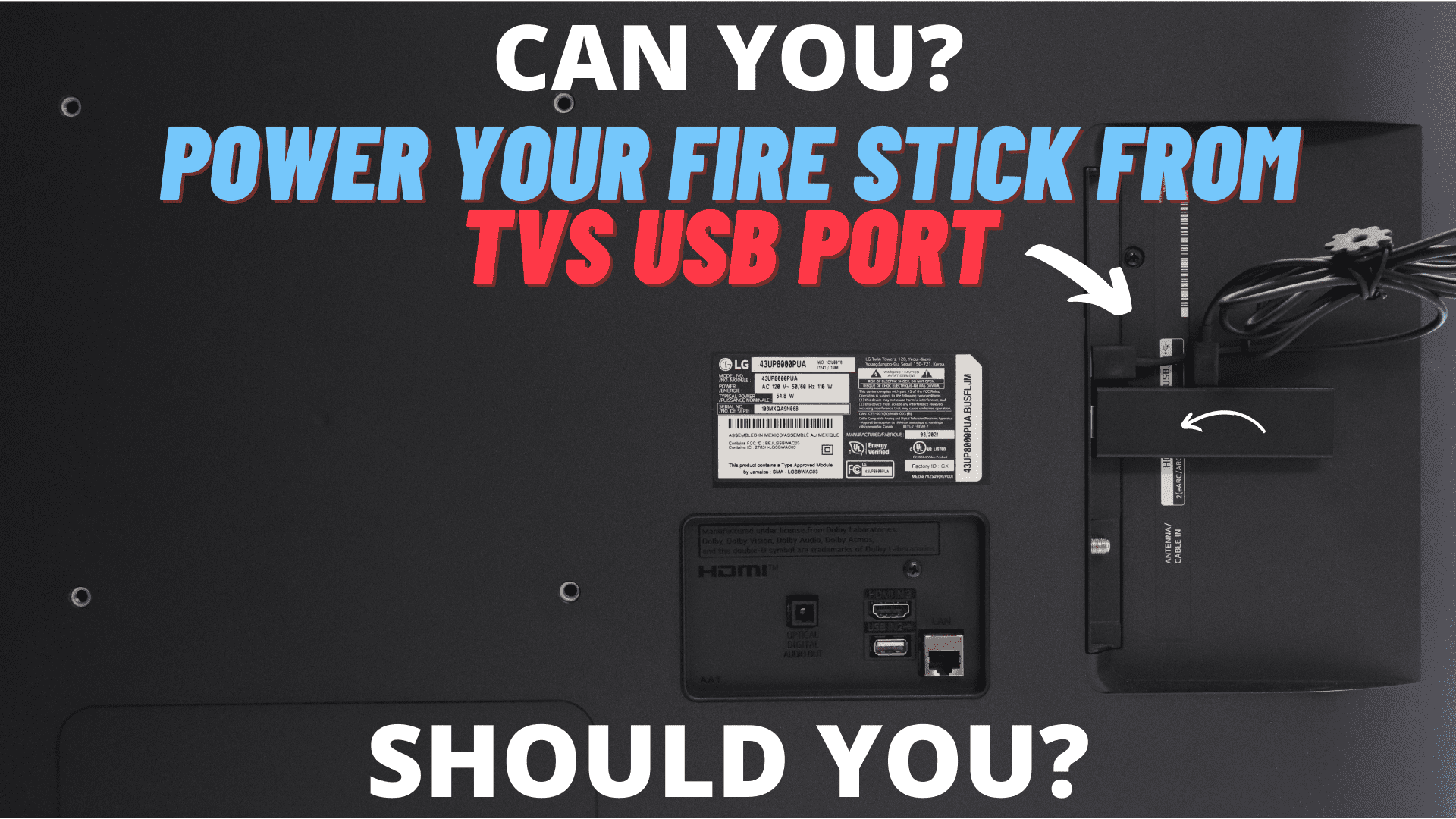
I had a few people ask me if they can power their Fire TV Stick 4K or the 4K Max using the TVs USB port and would it be safe to do so. In the video below, I will be explaining the pros and cons of doing so, and how to properly connect your [...]

By |2024-10-06T19:46:25-04:00March 8th, 2022|Fire TV Stick, Fire TV Stick 4K Max, Tutorials|0 Comments

Reset Your Fire TV Remote

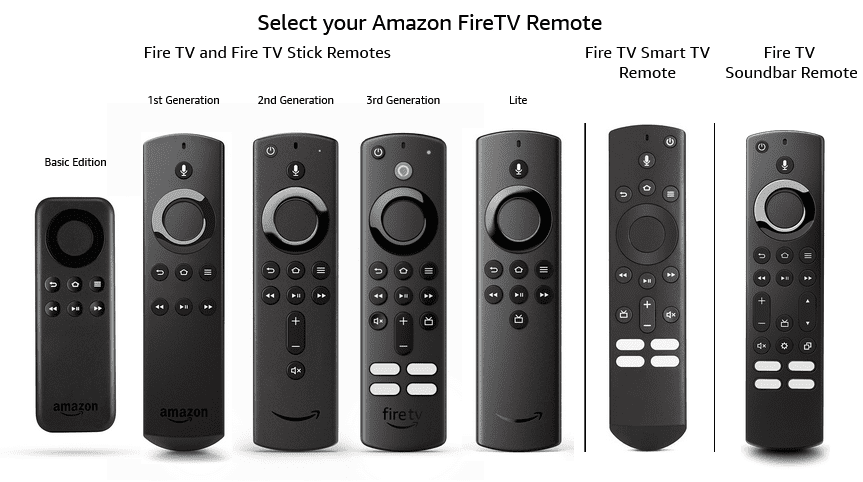
If you are having issues with your Fire TV remote not working even after you changed the batteries, you may want to try resetting it. In the picture bellow, find the remote that you have and follow the guide on how to reset that specific remote. Basic Edition Remote Press and hold the Home [...]

By |2022-09-06T22:38:58-04:00February 17th, 2022|Fire TV Stick, Tutorials|Comments Off on Reset Your Fire TV Remote

Amazon Smart Home Dashboard on Fire TV’s

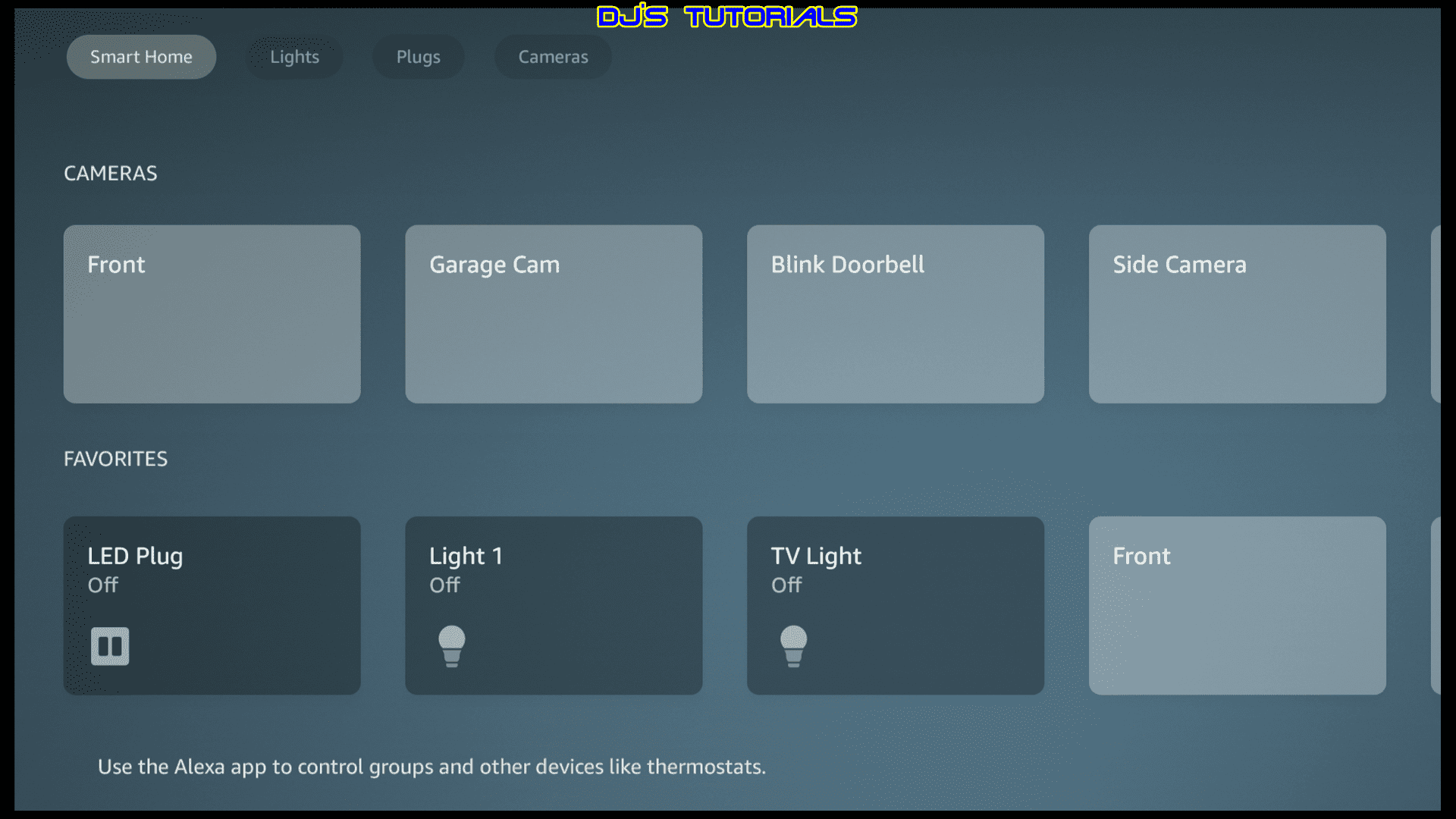
The Smart Home Dashboard on Fire TV devices was first launched a little over a year ago. Amazon has never really advertised the Smart Home Dashboard, even though it's been around for quite some time. Since it's first launch, Amazon has done an overhaul of the Smart Home Dashboard with a new look that [...]

By |2022-09-06T22:39:07-04:00January 2nd, 2022|Fire TV Stick, Tutorials|0 Comments

How to switch TV inputs with Fire TV remote

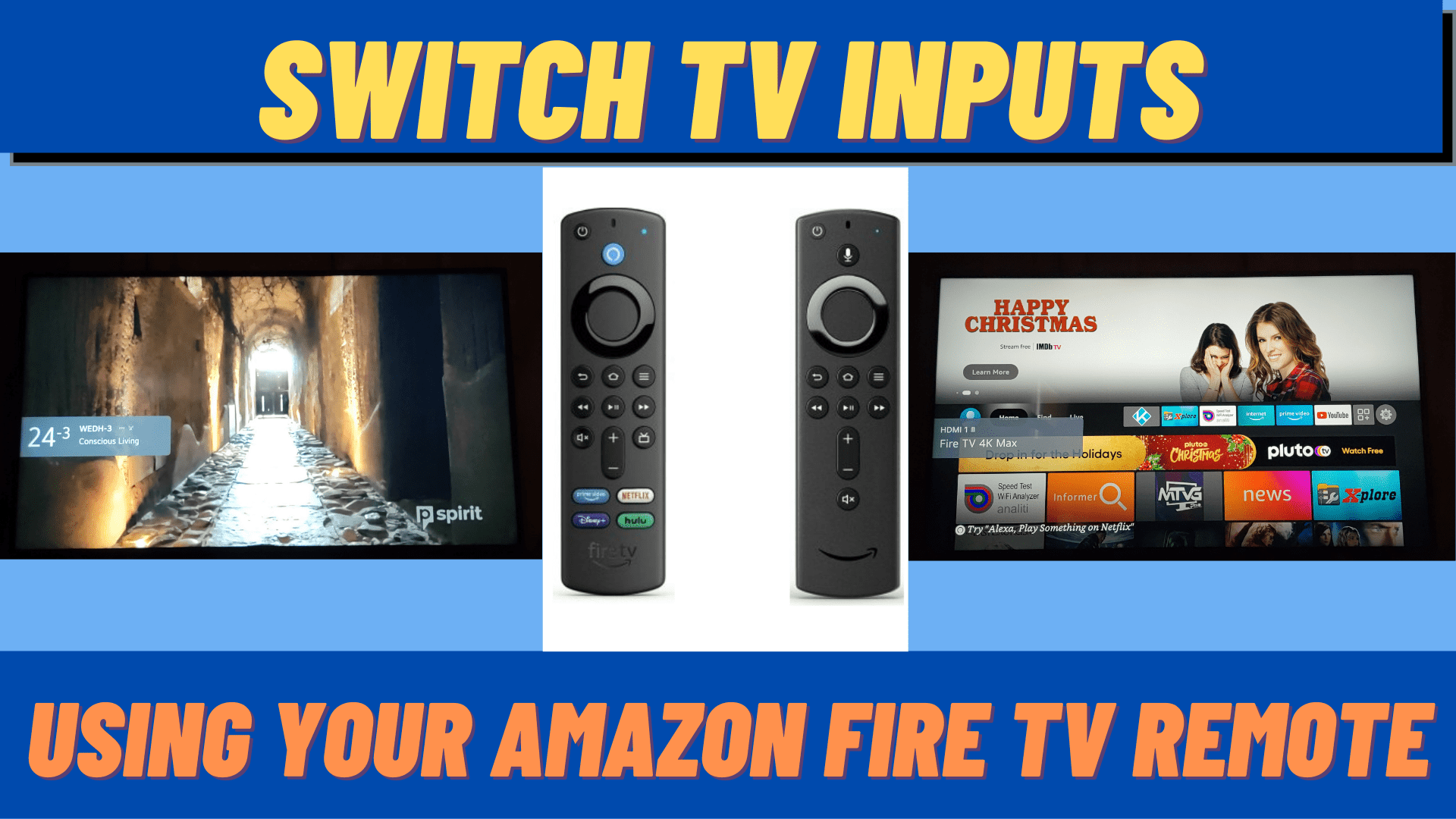
In this quick video I will show you how easy it is to use your 2nd or 3rd gen Fire TV voice remote to switch inputs on your TV. You can also read the full article here. [...]

By |2023-06-22T08:50:37-04:00December 28th, 2021|Fire TV Stick, Tutorials|0 Comments

How to fix Toshiba – Insignia Fire TV small icons and zoomed out home screen

Insignia and Toshiba Fire Edition TVs are experiencing a bug lately that causes the home screen to appear zoomed out and the icons and thumbnails to become very small. Now there is no guarantee that this will not happen again until a bug fix comes from Amazon that fixes it for good, but in [...]

By |2022-09-06T22:39:18-04:00December 18th, 2021|Fire TV Stick|1 Comment
Go to Top